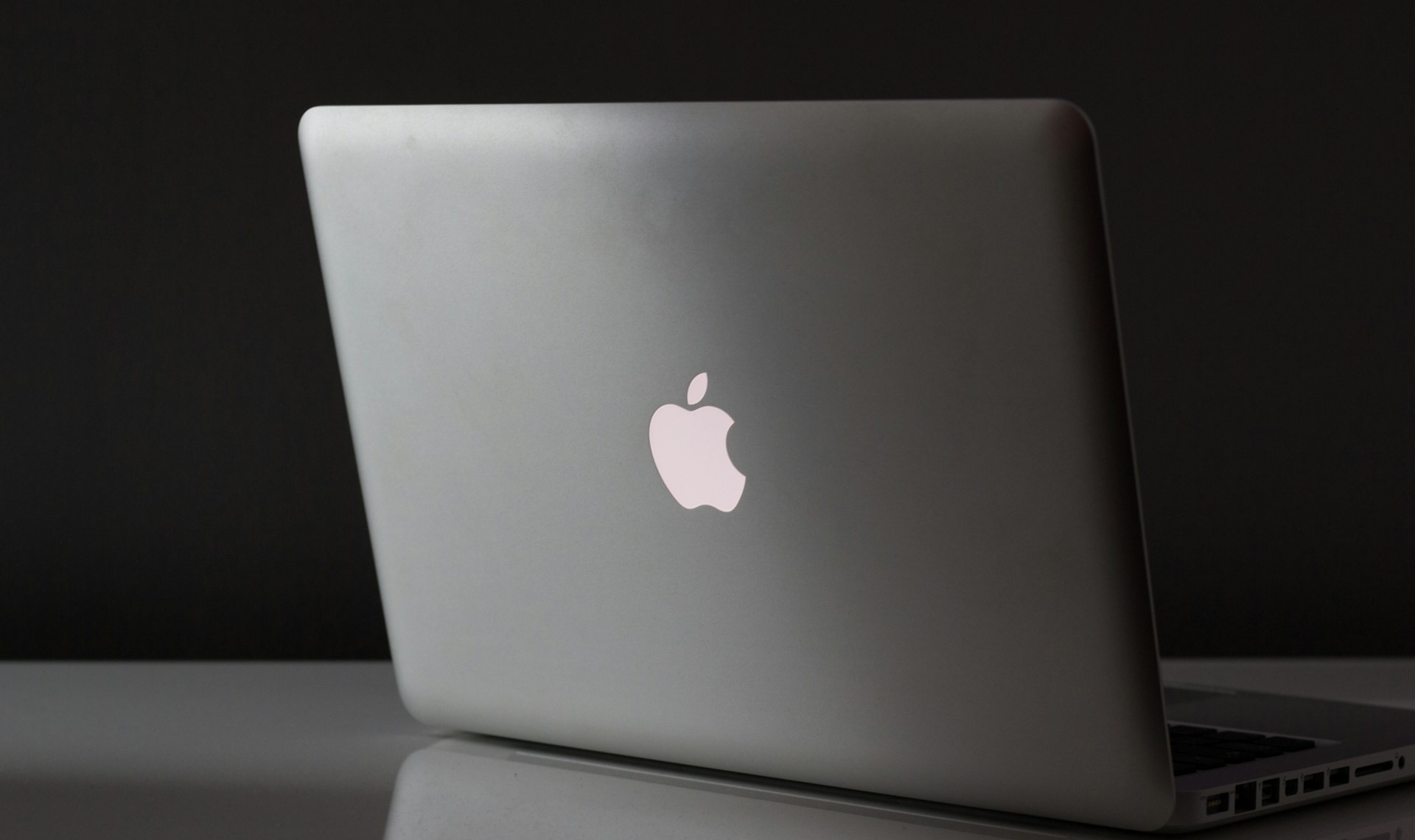
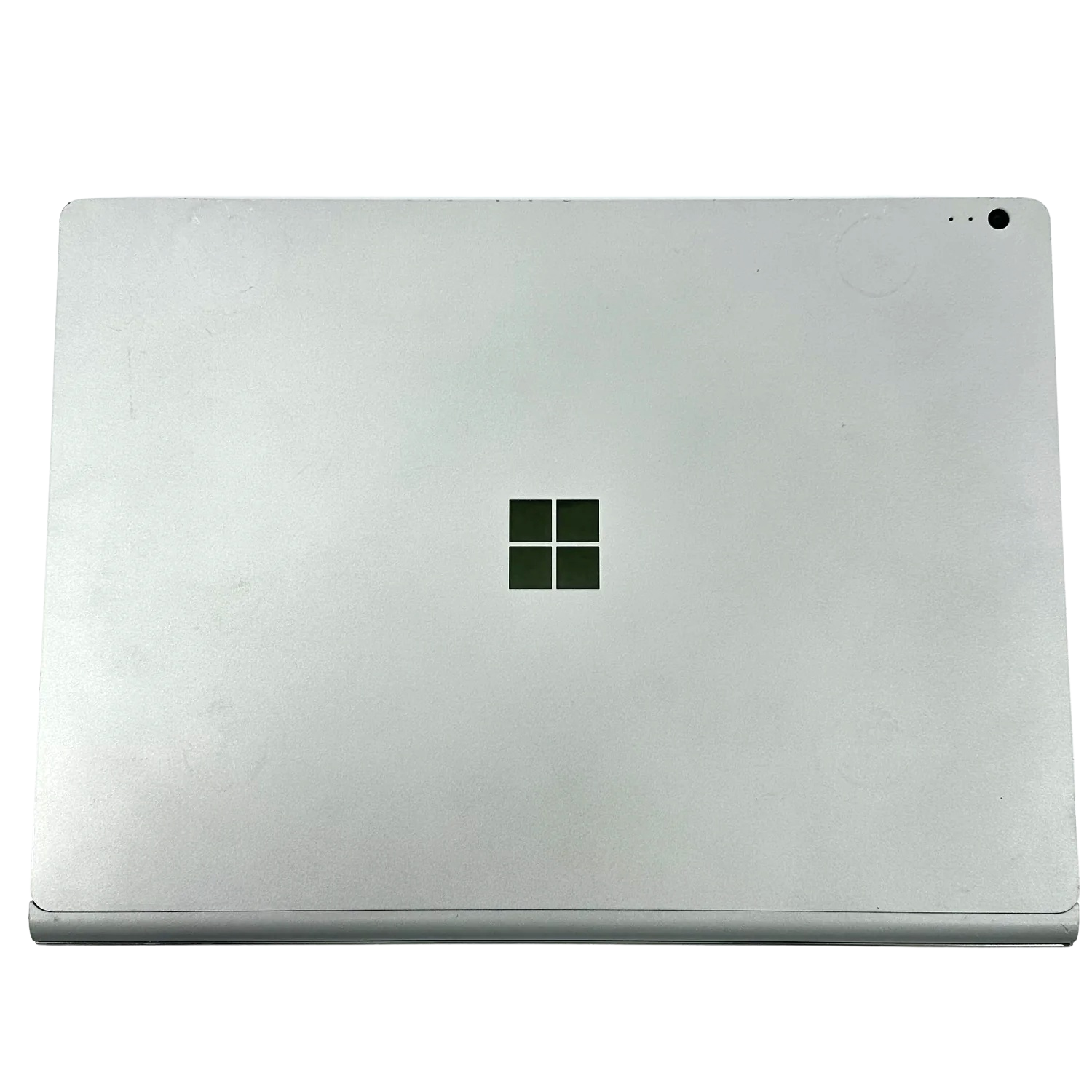
We Are Actively Looking to Buy MacBooks
Your local PayMore is offering top dollar for used MacBooks and accessories. Learn how to trade-in your old electronics for cash today.
1
Visit a certified PayMore Store with your old or even broken MacBook.
2
Our team will assess your laptop’s condition using our pricing engine, guaranteeing you receive top dollar.
3
Our team will securely wipe your laptop at the time of sale to ensure data privacy.


The #1 Place to Buy and Sell MacBooks
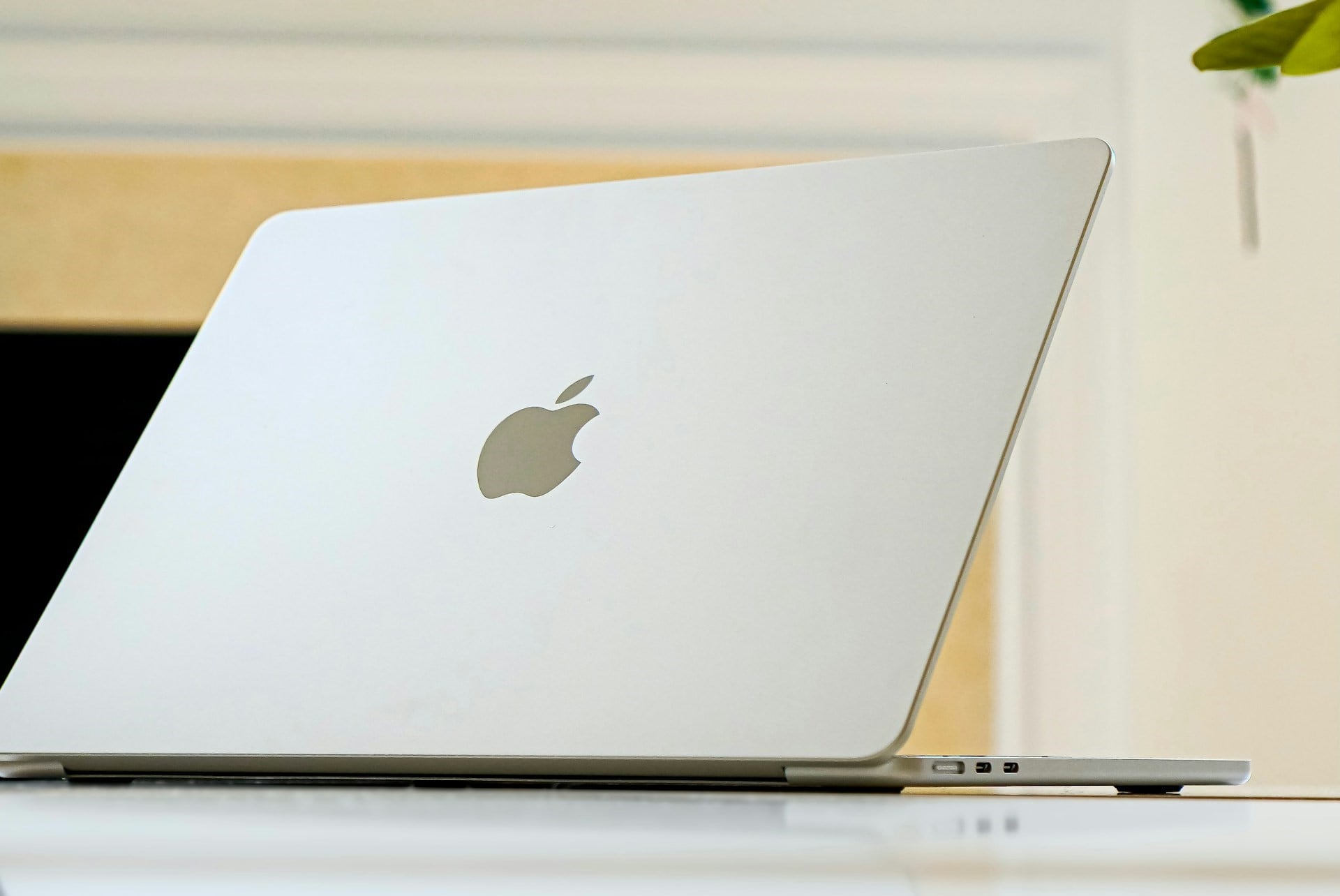
While we definitely accept like-new MacBook laptops, we also offer cash for various damaged laptops and Apple products, including the MacBook Air, MacBook Pro, and more. While we can’t purchase every broken laptop, we’re interested in the ones that have useful components. Our skilled technicians will assess your device and provide a cash or trade-in offer. If we can’t buy your device, we also offer a free electronics recycling service. We even accept MacBooks with issues like cracked screens, broken keyboards, power failures, and water damage. We also pay cash for genuine Apple accessories like wireless mice, keyboards, and more. Come in today to see if you have an eligible device!
Which MacBook models do you accept?
- MacBook Air
- MacBook Pro
- iMac
- Mac Mini
- Mac Studio
- Mac Pro
- Intel and Apple Silicon (M1, M2, etc.) alike!
How much is my MacBook worth?
Trade-in prices vary based on the model you have, the condition of the device, and the current market rate. Our systems are updated every day to offer you the best price possible on your trade-in.
Do you buy MacBooks with issues?
Yes. We buy MacBooks in a wide range of conditions, including devices with cracked screens, dead keys, battery issues, boot problems, and more. Offers are based on the condition of the device. MacBooks with water or liquid damage may also be eligible for purchase, but acceptance is subject to the store manager’s discretion.


Enjoy Peace of Mind
We Protect You and Your Data
Wondering how to wipe your electronics before you trade them in? When you sell any electronic device to a PayMore Store, rest assured that it is professionally wiped of all your personal data on the spot at no cost to you. You can confidently leave our store knowing that your device will be fully cleared of your personal data and Apple ID and reset to its original factory settings. Sell your Apple products with peace of mind, knowing that our electronic experts have ensured the secure removal of all your personal information.
Get The Most For Your Trade-In
At PayMore, we pride ourselves on offering the best price for your old electronics. We can offer you even more money for your trade-in if you choose to receive store credit instead of cash. With this store credit, you can browse our collection of tablets, smartphones, gaming consoles, computers and more at amazing prices. Our locations also recycle unwanted devices to help cut down on electronic waste, keeping our planet clean.
Buy. Sell. Trade. Recycle.
All Electronics Welcome


Get The Most For Your Trade-In
At PayMore, we pride ourselves on offering the best price for your old electronics. We can offer you even more money for your trade-in if you choose to receive store credit instead of cash. With this store credit, you can browse our collection of tablets, smartphones, gaming consoles, computers and more at amazing prices. Our locations also recycle unwanted devices to help cut down on electronic waste, keeping our planet clean.
Still Have Questions? Read our FAQs
Where can I sell my MacBook near me?
Bring your MacBook to any PayMore store and leave with cash the same visit. The team tests the display, keyboard, trackpad, ports, and battery before making an offer.
Where can I sell a broken MacBook for cash?
A MacBook with a cracked display, a swollen battery, or a logic board fault is still evaluated. The offer reflects the parts that still work, so bring it in for a check.
Will PayMore buy an older MacBook Air or MacBook Pro?
Yes. MacBook Air and MacBook Pro models are evaluated by chip generation, memory, storage, and battery cycle count. Older Intel models are checked on the same list.
Do I need to sign out of iCloud before selling my MacBook?
Yes. Sign out of iCloud, turn off Find My, and remove the Activation Lock before you bring the MacBook in, since a locked Mac cannot be purchased.
How can I get top dollar for my MacBook?
Bring the original charger and box, check the battery cycle count in System Settings, and keep the screen clean. Chip generation and memory have the biggest effect on the offer.
Is it safe to sell my MacBook to PayMore?
Yes. A team member handles the sale in person, checks your government-issued ID, and wipes the MacBook while you are present.
Is the offer for my MacBook free?
Yes. Getting an offer in store is free, so you can see what your MacBook is worth before you commit to a sale.
Does the condition of my MacBook change the offer?
Yes. Wear, damage, and missing parts are noted at the counter, and the offer reflects what the team finds.
Do I need the original box for my MacBook?
No. The box is not required. A complete set with the charger, cables, and accessories helps the team see what you have.
What ID do I need to sell my MacBook?
A government-issued photo ID is needed to complete the sale, and the team confirms the name matches the owner.
Can I sell more than one MacBook at a time?
Yes. Bring them all in the same visit so the team can check each one at the counter.
Can I sell a MacBook that was a gift?
Yes, as long as you own it or have the right to sell it. The team confirms ownership with your ID before the sale.
What happens after I accept the offer on my MacBook?
The team completes the sale at the counter, and you leave with cash the same visit.
What should I expect when I bring in my MacBook?
A team member checks the item with you, explains the offer, and waits for your decision before any sale is made.
Does the model of my MacBook matter?
Yes. The exact model, its size, and its year all affect the offer, so note the details before you visit.
Do I need the charger for my laptop?
Yes, bring it. The charger is needed to test the battery and power, and an original charger adds to the offer.
Does battery condition matter for a laptop?
Yes. Battery health affects the offer, and the team checks it with you at the counter.
Does the memory or storage change a laptop offer?
It does. Storage, memory, and processor generation all affect the offer. Check your system information for the details.
Can I sell a laptop with a cracked screen?
Yes. A cracked or dim screen is still evaluated. The team notes the damage and tests the keyboard and ports.
Do I need to remove the password from my laptop?
Yes. Sign out and turn off the password or lock screen before you bring it in, so the team can clear it in front of you.
Can I sell a laptop with a missing key?
Yes. The team checks each key and notes any that are missing.
Will the personal information on my MacBook be erased?
Devices with stored data are reset in front of you before you leave. Back up anything you want to keep before you visit.
What if I forgot the password for my MacBook?
Reset it before you come in if you can. If you cannot sign in, tell the team at the counter so they can explain the options for the device.
Do I need to turn off a lock on my MacBook first?
Yes. Account locks, such as Find My or Activation Lock on Apple devices, can prevent a sale, so turn them off before you bring the device in.
Phones. Tablets. Old School Gameboys.
We Buy a Wide Range of Electronics
Discover all the great tech that you can sell for cash or pick up at your friendly neighborhood PayMore. Whether you’re trying to sell your old electronics, or looking for a great deal on a pre-owned device, everyone walks away from PayMore with a smile on their face.